
My Electronic Music Production Methodology (Pt. I)
I’ had been thinking about recently how I should consolidate the many values, observations and principles I share regularly on this blog into a summary of music production methods and methodology. I regularly give feedback in our Facebook group and I find that I’m often repeating myself with regards to certain details and points that seem like basics. Not long ago, I wrote a post with a checklist to see if everything had been covered in order to know if your song is done, but what about a todo list to start? And what are the big points you should consider beforehand in order to avoid getting lost?
Let me describe my own mindset before I get to work on music in the early stages; it helps me greatly and I think I could also give you a boost in productivity.
The intention
Have you ever had sessions that were magical or others where you felt you did the same things, went horrible where you started to doubting what you’re doing? Making music seems like it should be as straight forward as playing a sport but it can’t be predicted or controlled, which can be frustrating. I’ve started noting down a common denominator in all my good sessions: they all had been started with a precise intention. What I mean by an intention is that beforehand – even before opening the session to work with – I’d spend some time developing a precise idea of what I wanted to do in that session. It could be simple sound design, mixing, arranging, or working on a client’s session.
I’d sum it by saying to myself “today, by the end of the day, I should have done X.” The X is a sort of a goal I can quantify easily, such as finishing the polishing of a track.
I also start sessions with something I do well and love doing; this important habit puts me in a good mood, helps my brain focus, and preparesme for bigger challenges.
The mood board
The term “mood board” is often used in visual design. It’s basically a pin board with all kind of images: the mood, aesthetics, concepts. Sometimes it can be a texture or drawing, but it can be also a few pictures; it becomes a reference for all the members of the team.
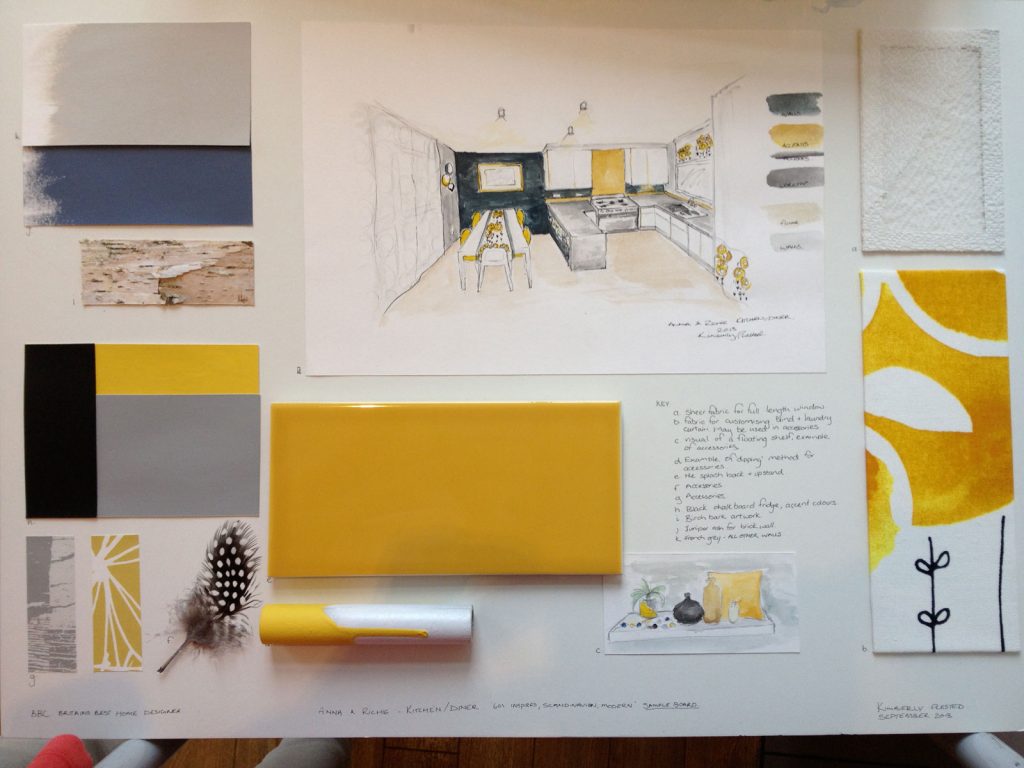
A example of a graphic mood board (image courtesy of https://www.sophierobinson.co.uk)
It’s basically the same in audio. I have a huge folder with music I like for use as references. I have also playlists on Youtube of each reference per client. I have yet another one on Soundcloud for ideas, inspiration, and arrangements. The audio quality of Soundcloud being not so great makes me use it more for ideas than anything mix/mastering related. Sometimes it’s songs, sometimes it’s just simple atmospheres or a weird tune just for its reverb (which I can use for convolution). There are new, amazing songs I see in my feed everyday and I really want to tag the ones I see. I honestly even have a mood board on Instagram/Pinterest. Some images help me generate sound ideas too. Yeah, I’m weird like that.
The main ingredient

In risotto for example, rice is the main ingredient but this dish can be altered in many different ways; audio works in the same way.
This main ingredient is the core of your next project. I often compare making music to making food; I find that relying on a first important ingredient helps to develop a theme for a song. The more you work on something, the more you’ll want to add. Remember that songs are split in sections and my rule is to have either one major change or one sound added per section. Songs have, in general, 3-4 sections. Some only have 2!
So, this means that your main ingredient could – in theory – have major changes 2-3 times maximum in a song to remain understandable. Of course, this is my personal rule. You might have totally other views and that’s alright. The main ingredient will also have brothers and sisters. I usually form a family of 3 sounds per song. The main ingredients will have 1 brother and 1 sister. The brother will be a similar to the main ingredient as a way to complete it. For example, a higher pitched note. The sister sound will be in opposition to the main ingredient. For example, if the main ingredient has a fast attack, the sister would have a slow attack.
Setting up these ideas really helps me see what I need quickly. But knowing this method doesn’t help find the actual sounds though. Sounds come to me in many ways: sampling something you love, using jams you did on some machine that you recorded, recycling older ideas, browsing Youtube’s infinite possibilities, going to a local store and buy the weirdest record you can find, learning a new way to design sound from a tutorial you watched, etc. The idea is to make material to manipulate.
FACT: When I hit a wall, I usually do a remix for someone I know, for fun. Remixing is easy and fun. You try to juggle the elements and keep some of them true to the original to make the remix recognizable in a way. In remixes, you’re given the main ingredient already, and then it’s up to creativity to do the rest.
The foundation of the house
I invite you to view your song as a dish, but now let’s also picture it as a house. To build one, you need a solid foundation. Solid is not about making it loud or big. It’s about being clear. In musical terms, we refer to the foundation as its fundamental note, it’s lowest part. Therefore, I find that setting a few notes in the bass/sub will give ideas, support for the melody to come in the mids. But if it’s muddy in the lows, the whole song will suffer.
TIP: Try to keep it to only 1-2 elements under 80hz.
A hook
Your song will be memorable for others if they can actually sing it back to someone who has never heard it. Ask a friend to see if that’s possible. If not, your song would be categorized as “intentional music” (in the same vein as percussive African music) where you can’t sing it. In techno, the whole movement of Romanian music is partly built around a combination of hook-songs vs no-hook-song. What makes it addictive is that you feel you can sing it back but not, and then when mixed, the interaction of 2 songs makes it reveal something you didn’t expect.
Do you need a hook? No. But if you never use hooks in your music, try to make one. Or if you only do music with hooks, try to make one that feels… empty. it’s a pretty difficult challenge to go out of your comfort zone but it can also make you discover things you didn’t know you could do.
David Lynch said:”Ideas are like fish. If you want to catch little fish, you can stay in the shallow water. But if you want to catch the big fish, you’ve got to go deeper.”
That’s all it for the first part on music production methods and methodology – I will provide more insights next week.
SEE ALSO :
 In my career, I’ve learned a few things regarding how to deal with the lows. It comes down to perception mostly, but also to how you approach things. The thing is, no matter if you’re riding a high or a low, you are exactly the same. External factors can trigger frustrations but they’re not responsible of your emotions. While it is known that physically, making music can release some internal hormones that give pleasure just as a drug, on the flip side not being able to do music can also be hurtful.
 Another signpost I’ve used was a sort of music “target” I set through Ricardo Villalobos. I’d study his music, his sets, and a recurring question I had was “will he play this track of mine?” There wouldn’t be any goals attached to this besides, perhaps, having him play my music, but it was more as a reference point of how my music could be made or adapted,
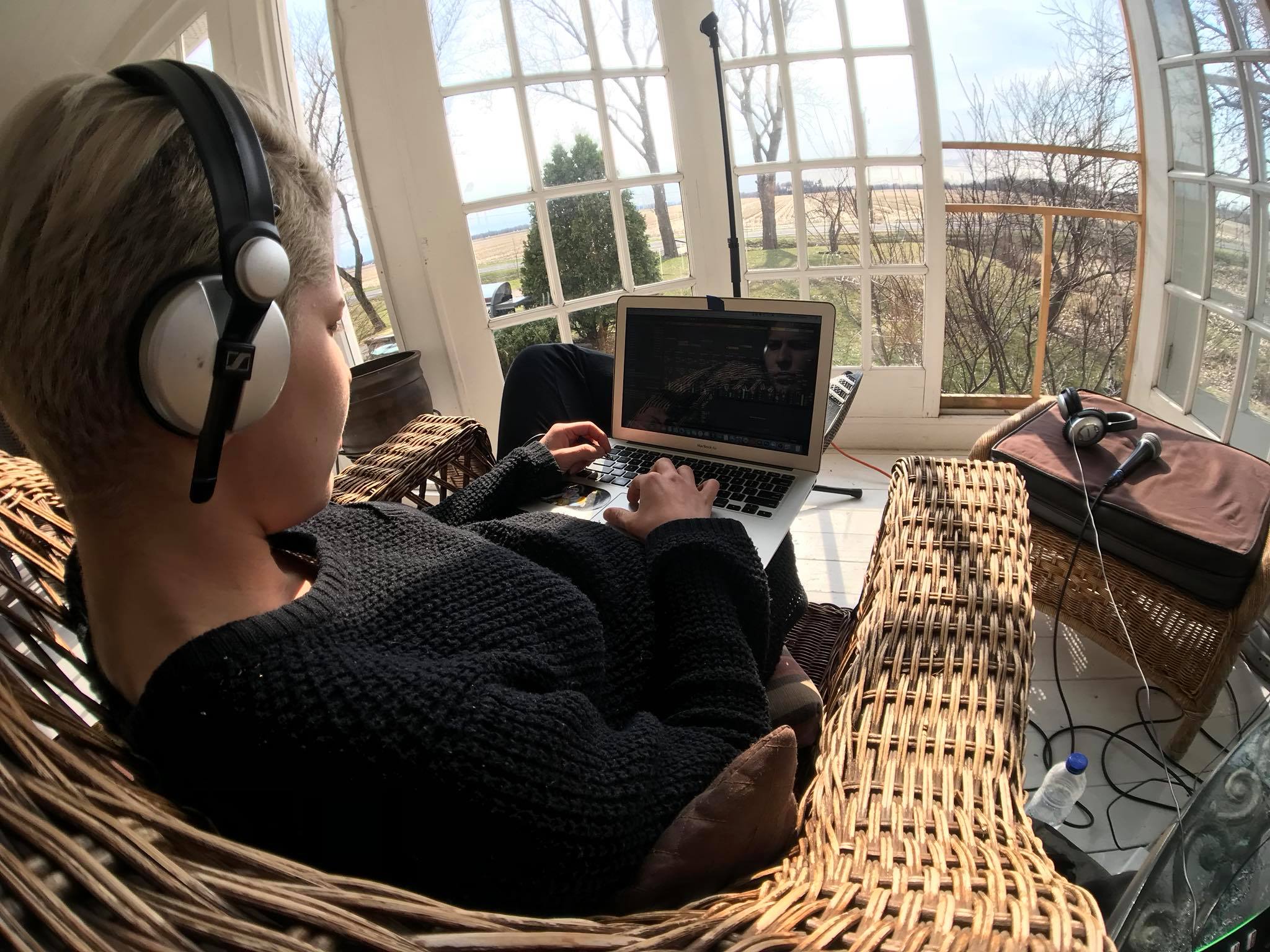
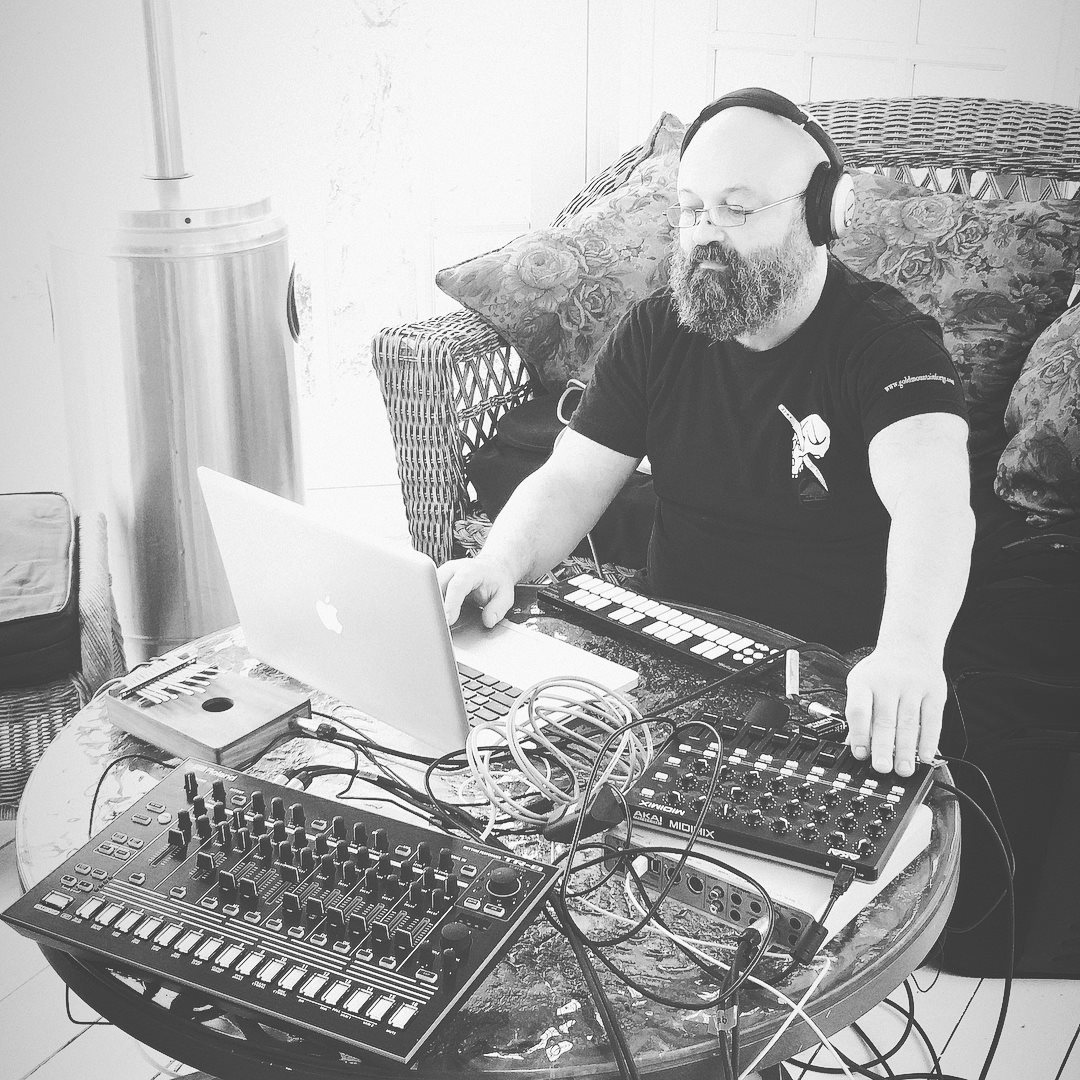
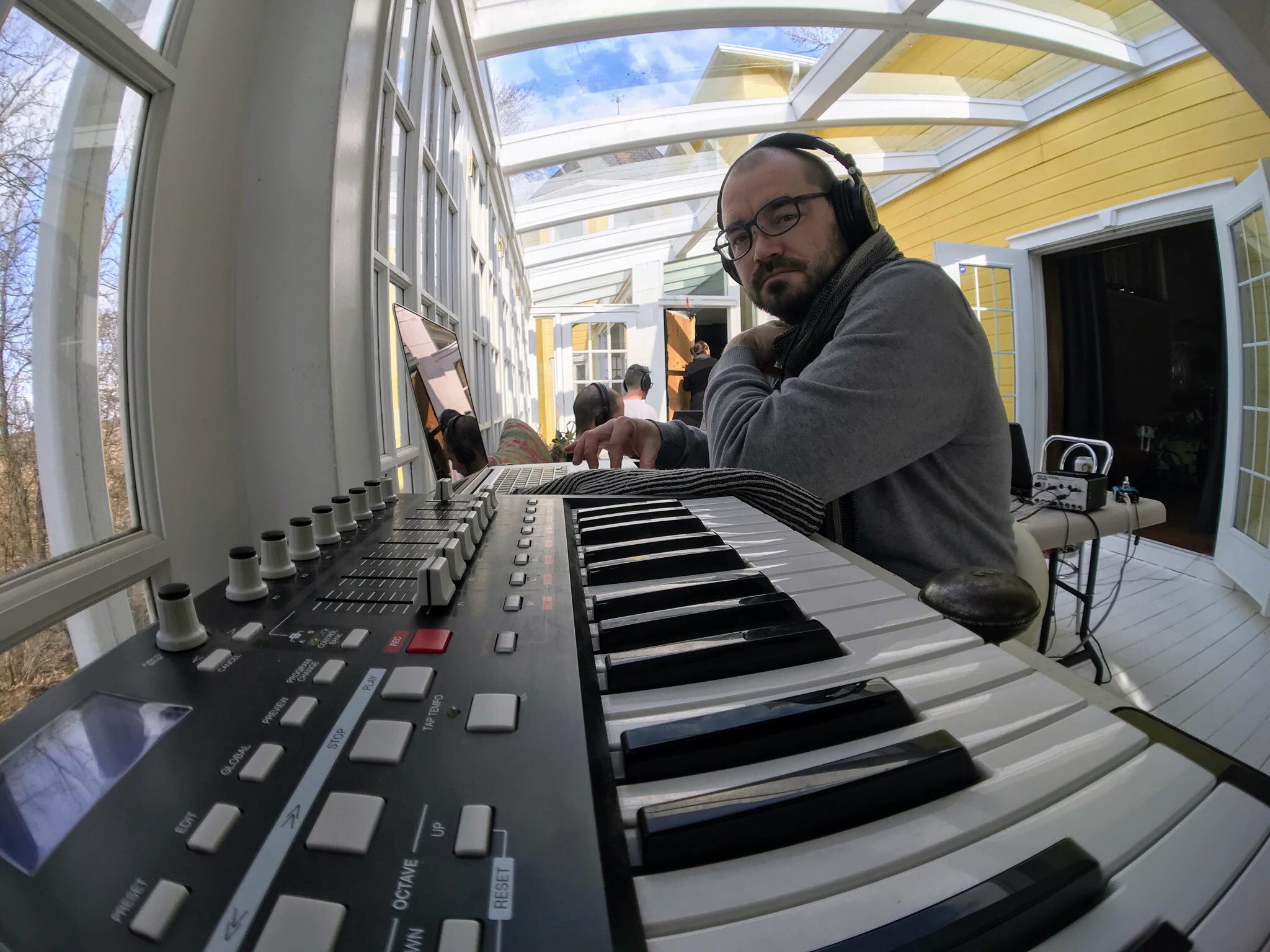
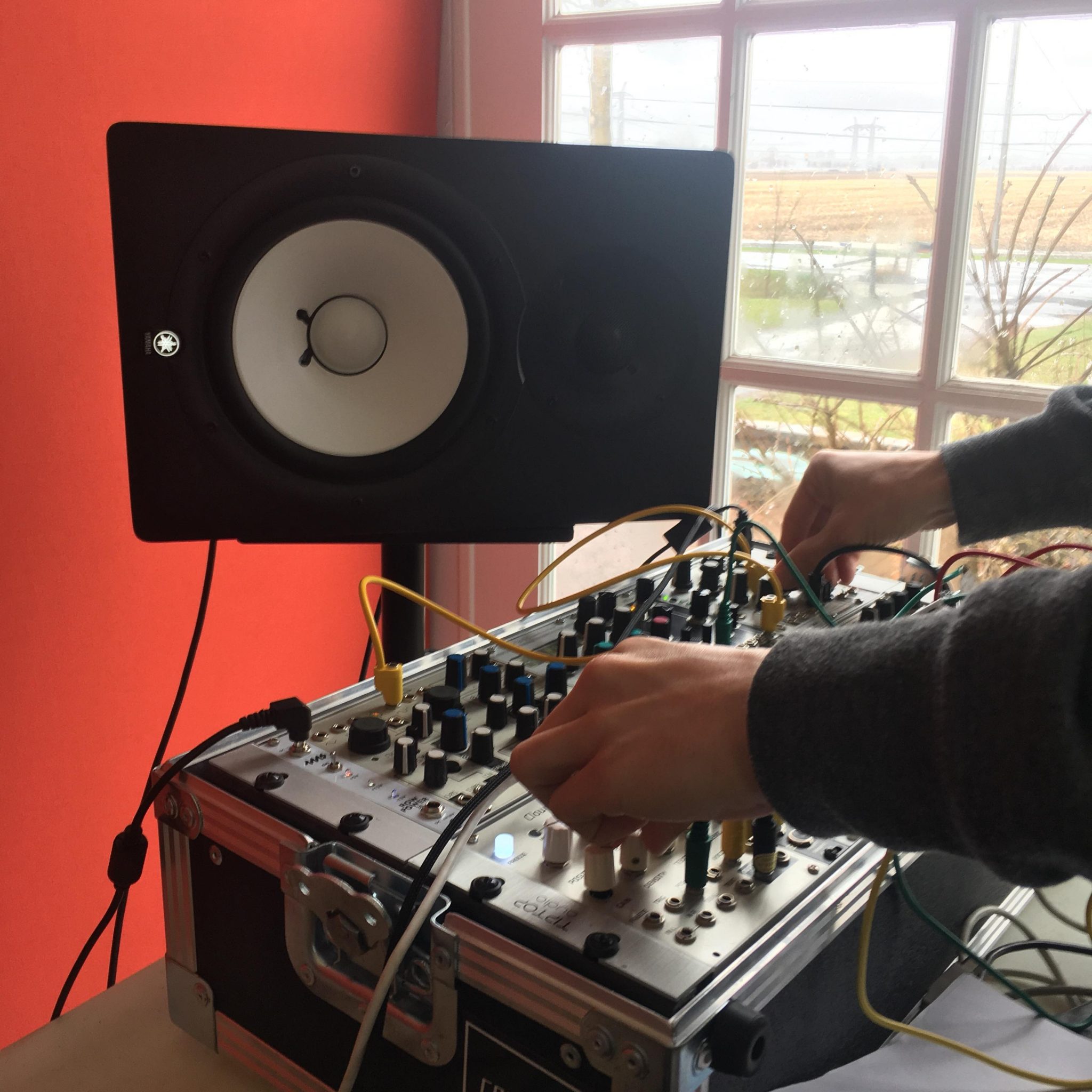
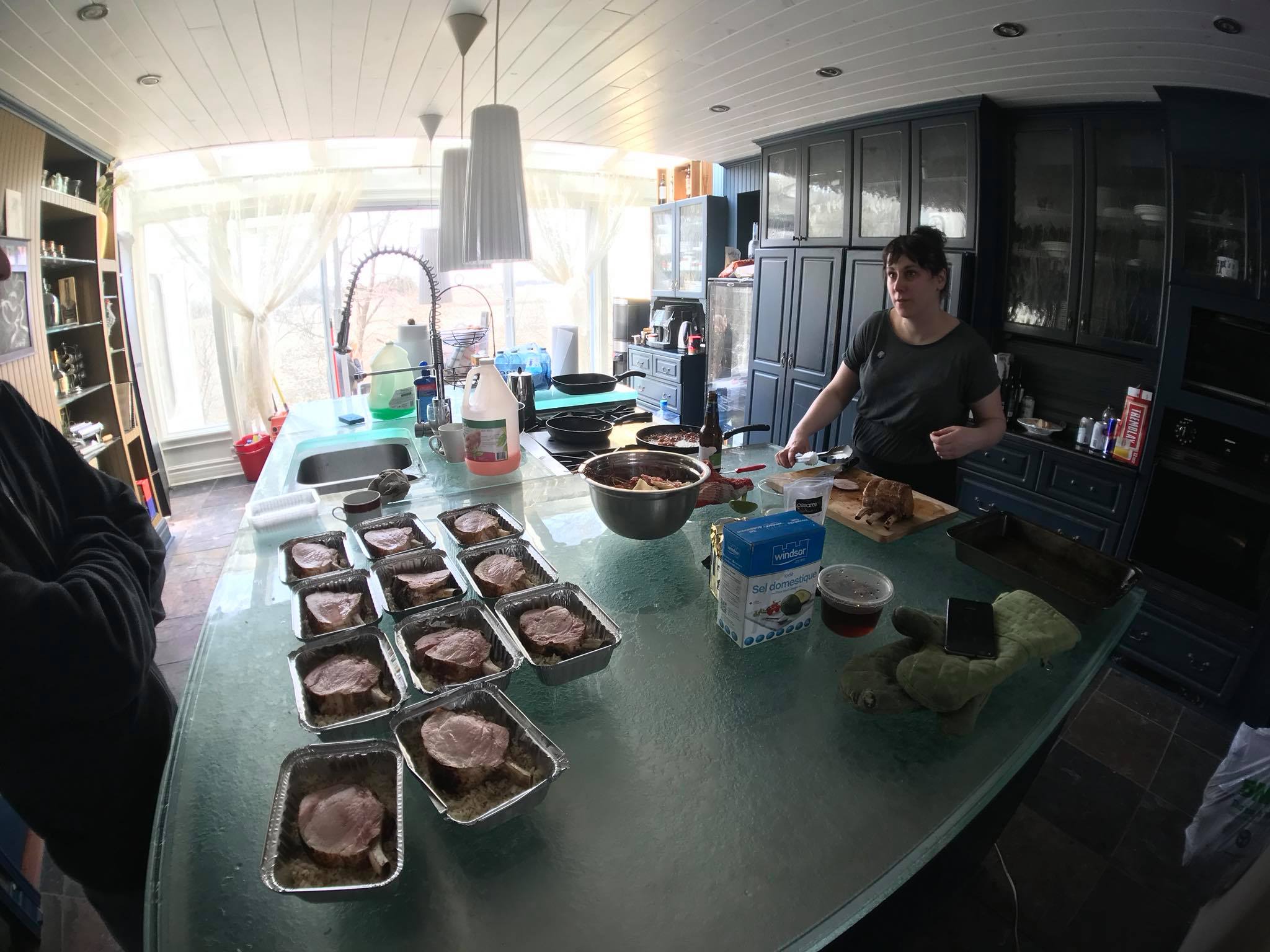
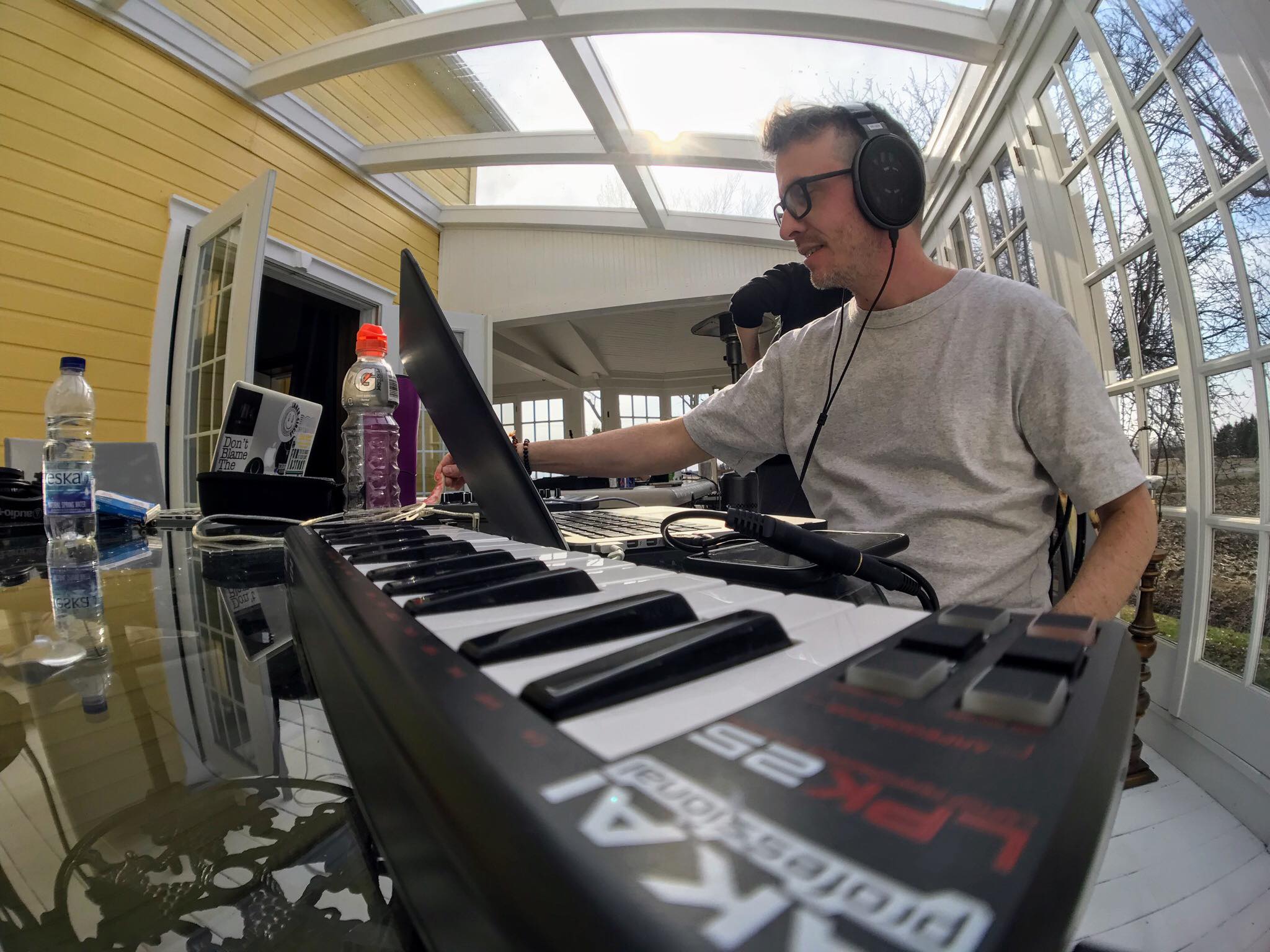
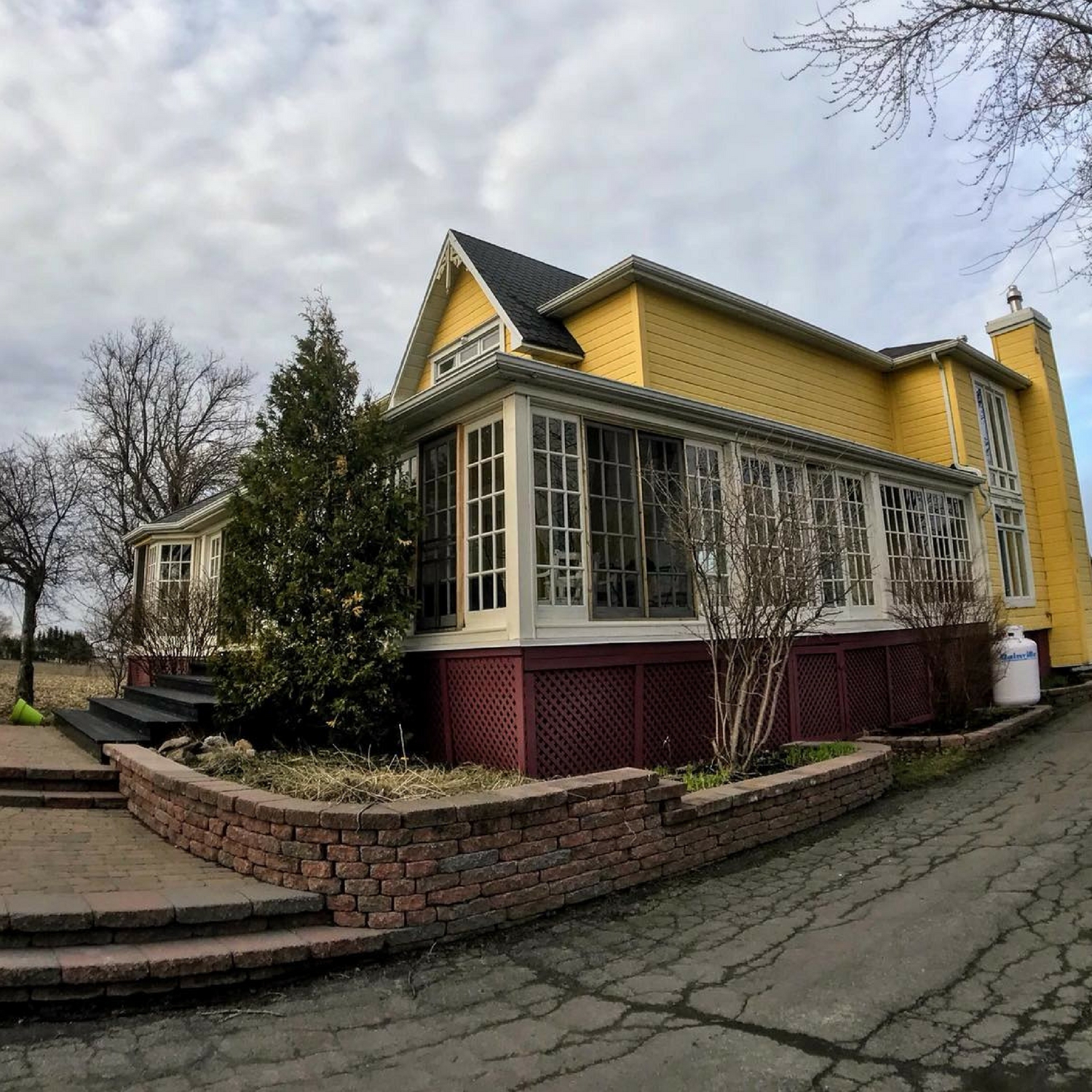
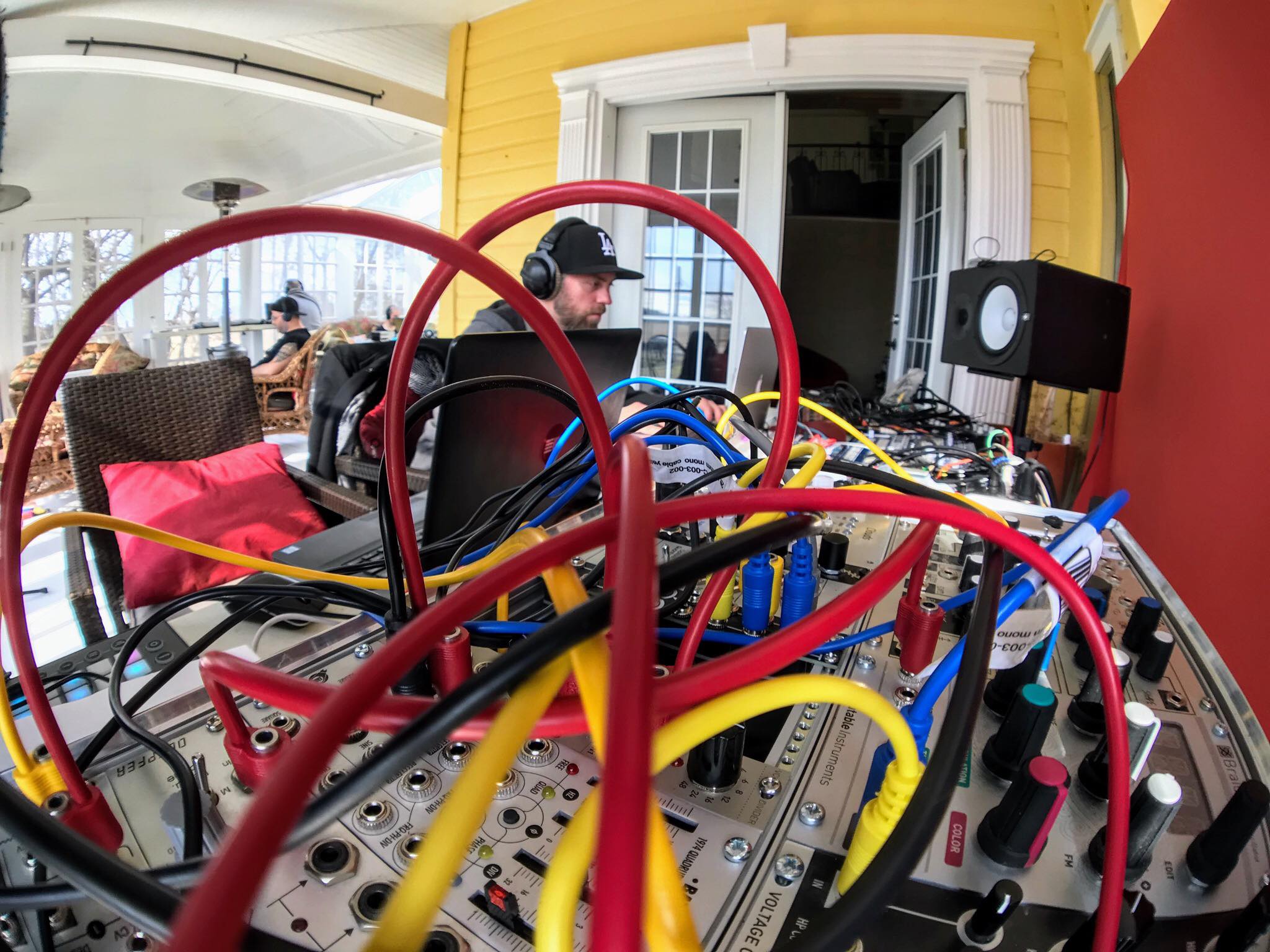
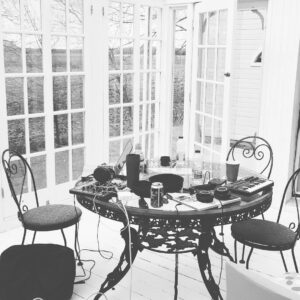 We ended up having 13 people signing (note: we even had people from France who wanted to come but we didn’t posted the dates soon enough for them to prepare) and we found a beautiful manor outside of Montreal with the views of fields and hills as the place for the retreat. The setting was perfect. Fred organized two separate studios and we had plenty of room to be with our laptops to get in our bubble.
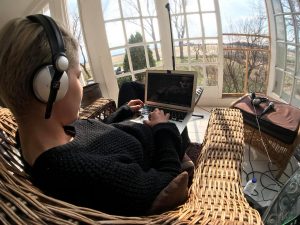 We traded Soundcloud and Facebook for real human contact. Hanging out in clubs to find like-minds felt awkward; being around people who share the same interests, and working at the same time as others really responded to a common need we all shared: connecting physically.


 For example, many people feel that they want to become a DJ after a special night in a club. This is an example of musical stimulation kicking off the cycle of inspiration. People also like to celebrate art, in search of some sort of new stimulation for the mind; to be inspired to create.
 This phase can be when the “aha!” moment hits you full effect; all the technical details fall into place and you can express yourself entirely. I’ve had this moment with two albums I made,
  Investing too much, too fast

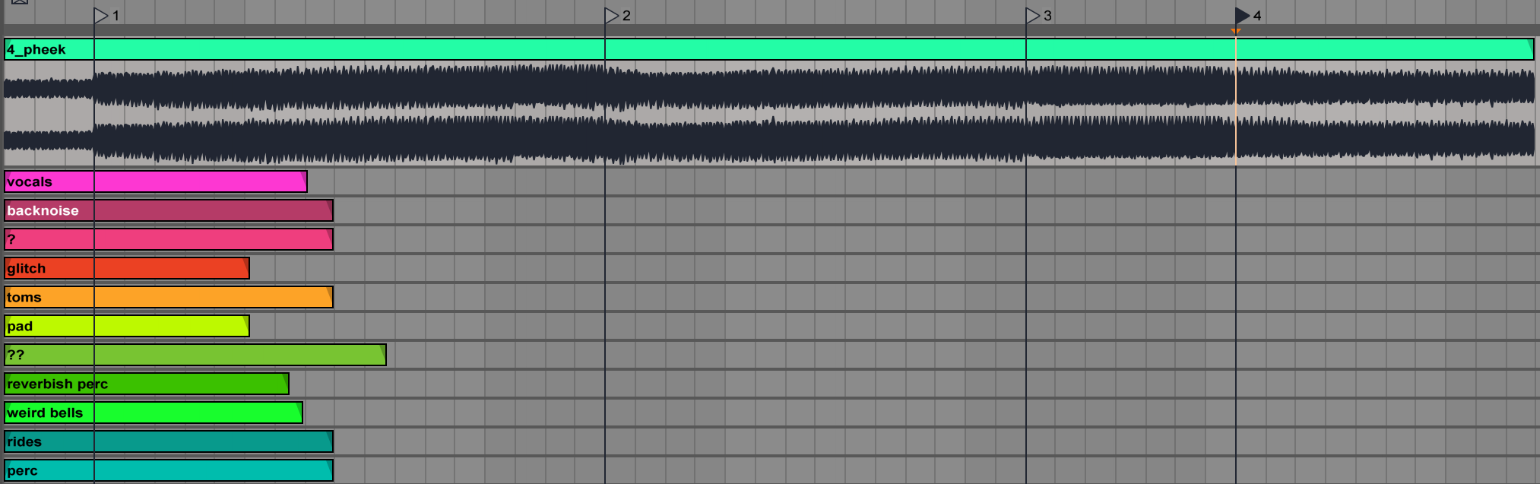
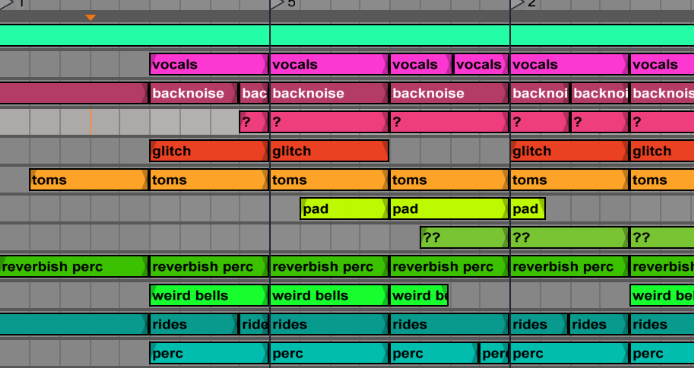
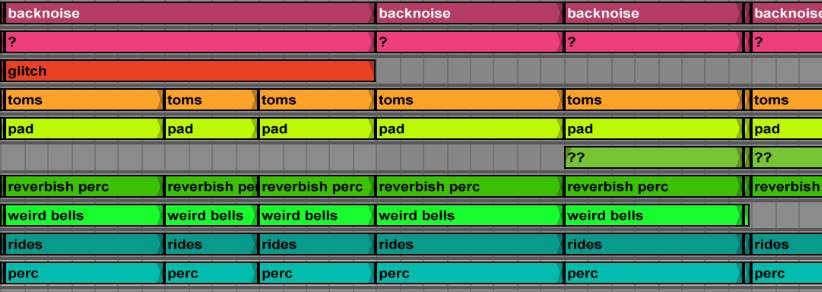
 I’ve recently been wondering what will be the future for labels. Are streaming services replacing labels? Or are other communities? I’ve been running my label
  The great thing about this initiative was that people started to really participate and interact, even more than I thought they would. It was pretty amazing to see some people join forces and collaborate, and to see others help out by giving advice with regards to where to send music to get signed. This community has become autonomous; it’s doing what I was doing myself before, through email. I’ve been thrilled by it!
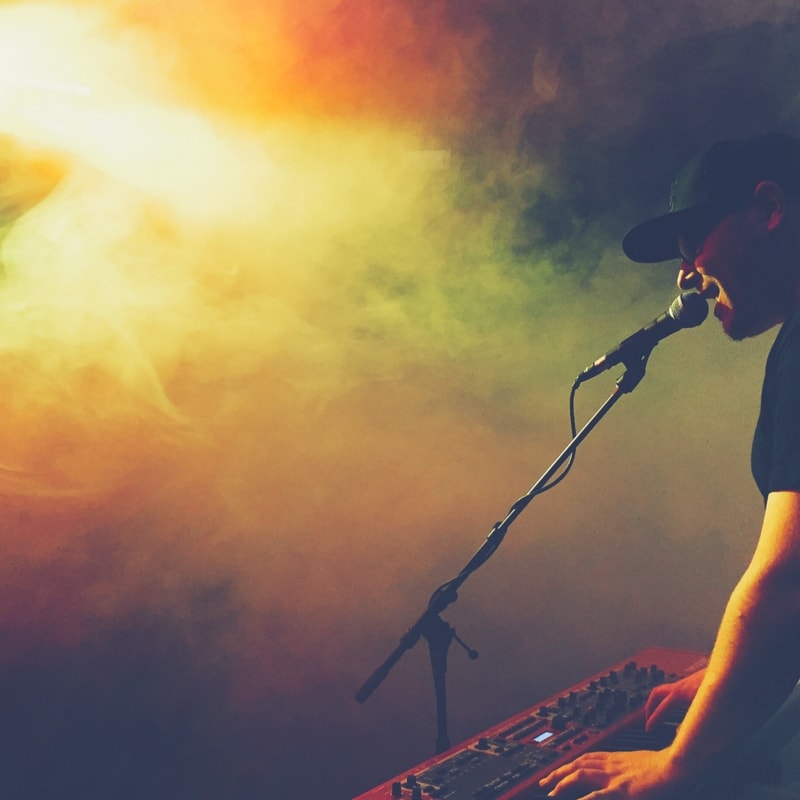 In a sense, musical intuition is what defines someone who can bring a bit of creative magic into something, in comparison to someone who sticks to truly technical application of software. I’ve often had the chance to watch experienced producers make music, either while I was visiting one’s studio or on the spur of the moment of a jam. For instance, we once had the infamous Narod Niki experience at Montreal’s MUTEK in the early 2000’s where Zip, Villalobos, Dan Bell, Akufen, Cabanne, Dandy Jack, Monolake (even Cassy sang for some minutes) all synced their laptop and gear to improvise a show for us. Our local festival gave us many opportunities to watch, what I would call, masters in what they do, play in front of a crowd to present how to create and perform. The live act itself, when done properly, should sort of represent what the artist is doing in his or her studio, but in a way that can bring the crowd on a journey.
 A notable example would be an artist, during a live show, dropping some sounds or a musical idea that was unexpected but works with what’s happening at the current moment completely. Another example could be a musician proposing a random idea and having that incomprehensible idea make total sense after 2-3 minutes or development.